Notifi Alerts
Managing your finances just got easier. With Notifi Real-Time Alerts, you'll get instant updates about your account activity delivered exactly where and when you want them.
Real-Time Account Alerts
Take control of your finances with our comprehensive account monitoring system. Choose from a wide selection of real-time account activity alerts and receive instant notifications through your preferred communication channels - whether that's email, text messaging, or automated push notifications through your WEOKIE Mobile Banking App.
Payments
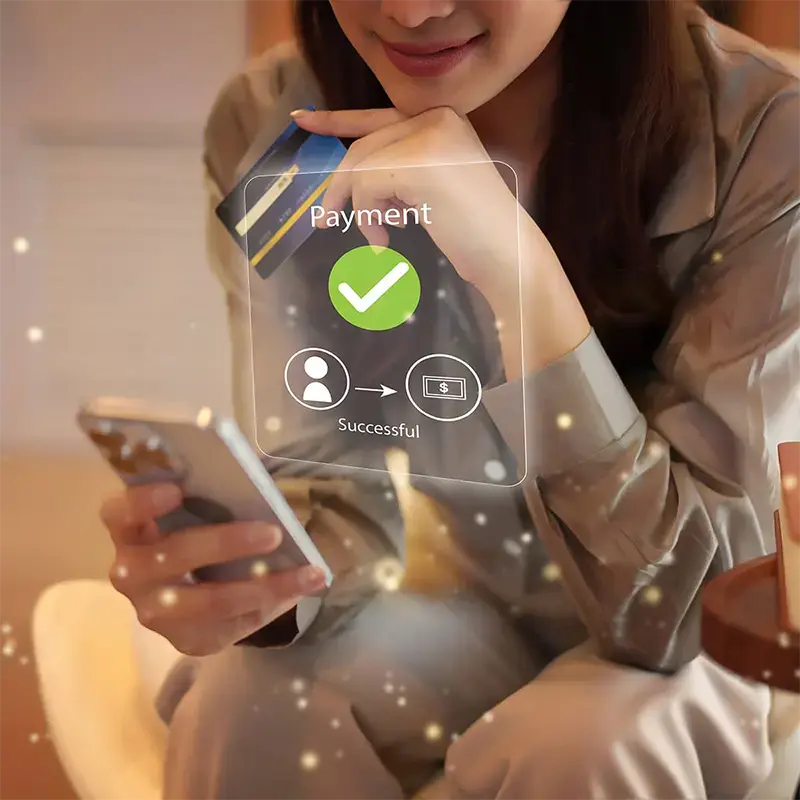
Know when your loan payment has been received.
Delivered the way you want.
Messages are sent using any of the delivery methods you choose.
Notifi Alerts!
Know the exact moment when it happens. That’s smart, secure banking.
We're simplifying your life with real-time alerts that keep you effortlessly informed every step of the way.
Staying on track with your finances has never been easier. Would you like to know if your account falls below a specific amount? Do you want to receive an alert every time you get a deposit, or when a check or debit card transaction clears your account?
Available to all WEOKIE Online Banking and Mobile Banking users, Notifi Alerts will let you know when something important happens in your account, in real-time. We understand that our members are busy and may forget to call or login, so let us Notifi you.
Setting Up Notifi Alerts
Setting Up Notifi Alerts for the First Time
- Login to WEOKIE's Online Banking or Mobile Banking.
- Visit the Menu in the top right corner.
- Open the Profile dropdown and select Notifi Alerts.
- Accept the Terms & Conditions and enter the verification code that was emailed to you.
- Go to Manage Recipients to set up additional email address and/or phone numbers.
- Go to Manage Alerts to choose alerts.


Enable Real-Time Push Notifications
- Log into the app using your username and password, or Face ID/Touch ID
- After logging in, users will be brought to their Account Summary page. To enable Notifi alerts, tap on the “Menu” button at the top right of the screen.
- Under the Profile dropdown, tap on the “Notifi Alerts” button.
- Tap on the Manage Alerts button and select the alert you wish to receive push notifications for.
- Under Recipients, check the box next to Push Notification
Depending on your mobile operating system, users may be asked to confirm that they would like to enable push notifications. To enable them, select "Allow."
You’ll now receive a message the moment any of your alerts are triggered. It’s that simple. With Notifi Alerts you’ll always know exactly what’s happening with your money, and you can watch for suspicious activity.